
Find Parts by Vehicle
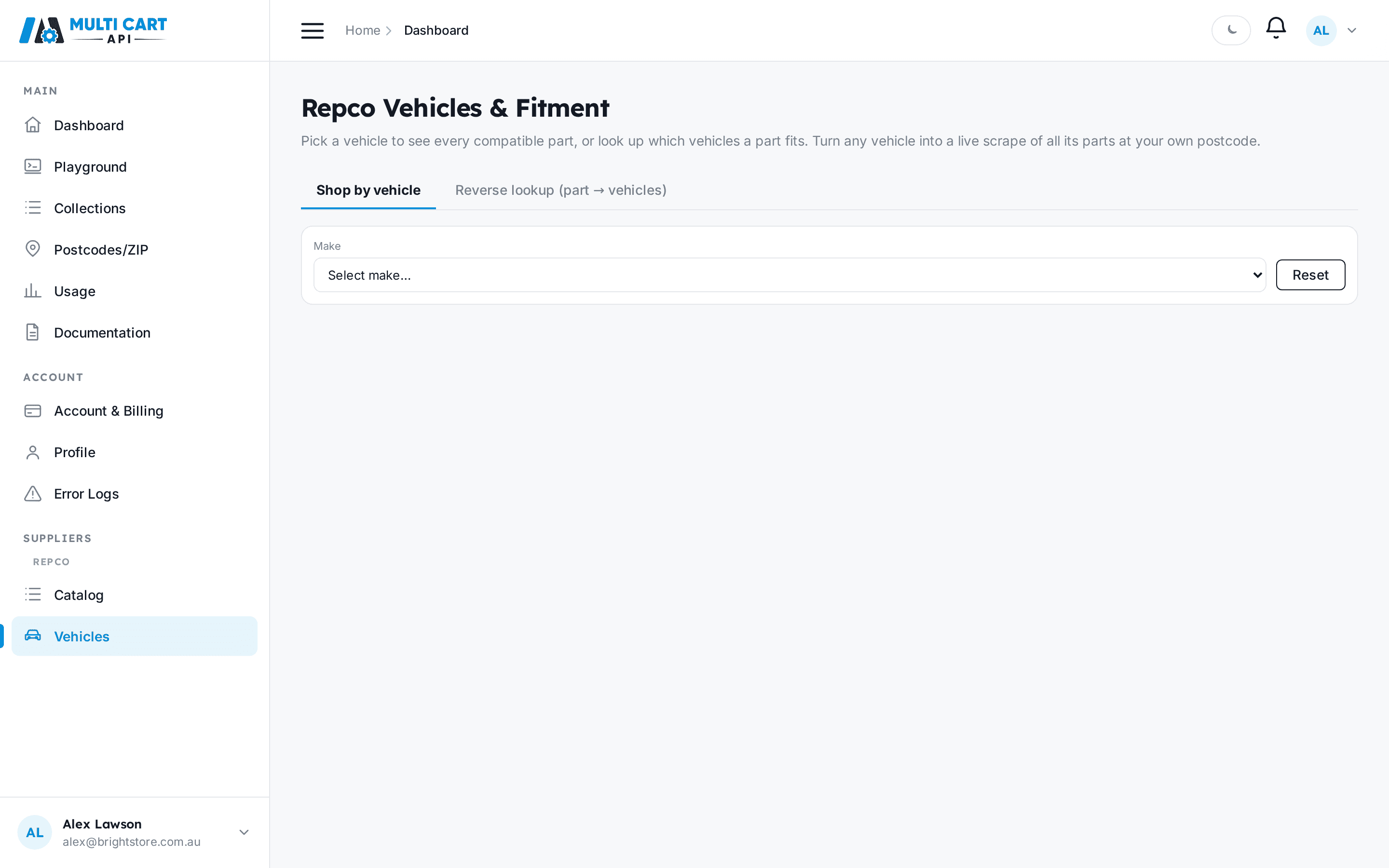
Repco is the one supplier where you can shop by vehicle. Pick a vehicle through a Make → Model → Year → Series → Engine → Variant cascade, see every compatible part, and turn that list into a running collection in a single call. See Vehicles & Fitment for the concepts behind this.
In the dashboard
- Open Suppliers → Repco → Vehicles from the sidebar.
- Work down the cascade selectors — Make, then Model, Year, Series, Engine, and finally Variant. Each selector loads its options from the one before it.
- When you pick a variant, the compatible parts load in a table (title, brand, price, freight).
- Click Scrape this vehicle's parts to create a collection of every compatible part.
- Switch to Reverse lookup to go the other way — enter a product code and see which vehicles it fits.
Via the API
Step 1 — Cascade to a vehicle
Vehicle Cascade
https://multicartapi.com/api/v1/schedules/repco/vehicles/cascade/Send the levels you have chosen so far; the response returns the options for the next unfilled
level. Start with an empty body to get the list of makes, then add one level at a time until you
reach a variant (which carries the vehicle_code).
| Parameter | Type | Required | Description |
|---|---|---|---|
make | string | Optional | Selected make, e.g. `FORD`. |
model | string | Optional | Selected model, e.g. `FALCON`. |
year | integer | Optional | Selected year, e.g. `2016` (matched against each vehicle's year range). |
series | string | Optional | Selected series, e.g. `FG X`. |
engine | string | Optional | Selected engine, e.g. `4.0L 6cyl`. |
# First call — no selection, returns the list of makes
curl https://multicartapi.com/api/v1/schedules/repco/vehicles/cascade/ \
-X POST \
-H "x-api-key: YOUR_API_KEY" \
-H "Content-Type: application/json" \
-d '{}'

# Later call — full selection, returns the variant leaf with the vehicle_code
curl https://multicartapi.com/api/v1/schedules/repco/vehicles/cascade/ \
-X POST \
-H "x-api-key: YOUR_API_KEY" \
-H "Content-Type: application/json" \
-d '{ "make": "FORD", "model": "FALCON", "year": 2016, "series": "FG X", "engine": "4.0L 6cyl" }'{
"code": 200,
"data": {
"level": "variant",
"options": [
{ "vehicle_code": "65740", "variant": "XR6", "year_range": "2014-2016" }
],
"count": 1
},
"status": 1
}What each level returns
For make, model, series, and engine the options are plain strings. For year they are
integers (newest first). For variant each option is an object carrying the vehicle_code you use
in the next steps.
Step 2 — See compatible parts
Fitment Search (Vehicle → Parts)
https://multicartapi.com/api/v1/schedules/repco/fitment/search/| Parameter | Type | Required | Description |
|---|---|---|---|
vehicle_code | string | Required | The vehicle code from the cascade, e.g. `65740`. |
page | integer | Optional | 1-indexed page number. |
page_size | integer | Optional | Parts per page. Range 1–200. |
curl https://multicartapi.com/api/v1/schedules/repco/fitment/search/ \
-X POST \
-H "x-api-key: YOUR_API_KEY" \
-H "Content-Type: application/json" \
-d '{ "vehicle_code": "65740", "page": 1, "page_size": 50 }'{
"code": 200,
"data": {
"vehicle": {
"vehicle_code": "65740",
"make": "FORD", "model": "FALCON", "series": "FG X",
"engine": "4.0L 6cyl", "variant": "XR6", "year_range": "2014-2016",
"swept": true, "part_count": 542
},
"total": 542,
"page": 1,
"page_size": 50,
"total_pages": 11,
"parts": [
{
"product_code": "A1547402",
"notes": "",
"universal": false,
"in_catalog": true,
"title": "Ryco Oil Filter Z516",
"brand": "Ryco",
"price_value": 18.99,
"freight_value": 0.0,
"image": "https://www.repco.com.au/...jpg",
"url": "https://www.repco.com.au/en/p/...A1547402"
}
]
},
"status": 1
}The swept flag
vehicle.swept tells you whether this vehicle has already been indexed. An un-swept vehicle
returns total: 0 — that does not mean "no compatible parts", only that it has not been crawled
yet. You can still create a collection for it (next step); MCA fetches the parts live at that point.
Reverse lookup — which vehicles does a part fit?
Fitment Reverse (Part → Vehicles)
https://multicartapi.com/api/v1/schedules/repco/fitment/reverse/| Parameter | Type | Required | Description |
|---|---|---|---|
product_code | string | Required | The part's product code, e.g. `A1547402`. |
page | integer | Optional | 1-indexed page number. |
page_size | integer | Optional | Vehicles per page. Range 1–200. |
{
"code": 200,
"data": {
  "product_code": "A1547402",
  "total": 64,
  "page": 1,
  "page_size": 50,
  "total_pages": 2,
  "vehicles": [
    {
      "vehicle_code": "65740",
      "make": "FORD", "model": "FALCON", "series": "FG X",
      "engine": "4.0L 6cyl", "variant": "XR6", "year_range": "2014-2016",
      "notes": ""
    }
  ]
},
"status": 1
}
Step 3 — Scrape every part that fits
Turn a vehicle into a running collection of all its compatible parts in one call.
Create Collection from Fitment
https://multicartapi.com/api/v1/schedules/repco/fitment/create_collection/| Parameter | Type | Required | Description |
|---|---|---|---|
vehicle_code | string | Required | The vehicle code to build the collection from. |
customer_postcode | string | Required | Postcode value or Zipcode row ID. Freight and price are captured live here when the collection runs. |
name | string | Optional | Collection name. Defaults to `"{make} {model} {year_range} — fitment"`. |
curl https://multicartapi.com/api/v1/schedules/repco/fitment/create_collection/ \
-X POST \
-H "x-api-key: YOUR_API_KEY" \
-H "Content-Type: application/json" \
-d '{
  "vehicle_code": "65740",
  "customer_postcode": "4500",
  "name": "FG X Falcon parts"
}'{
"code": 200,
"data": {
"collection_id": 42110,
"name": "FG X Falcon parts",
"vehicle_code": "65740",
"product_count": 542,
"applied_cap": false
},
"status": 1
}This spends credits and works even before a sweep
Creating a fitment collection charges 1 credit per part. If the vehicle has not been indexed yet,
MCA runs the vehicle lookup live on the spot and persists it — so the call works for any vehicle,
not only pre-swept ones. An unknown vehicle_code returns code 404; if Repco blocks the live lookup
you get code 503 (retry shortly); if no parts are found, code 400; if your balance is too low, code 402.