
Add a Postcode / ZIP
GuideUpdated 2026-06-20
Amazon and Officeworks show different pricing and availability depending on the delivery
location. A postcode ties each scrape to a real region. You create postcodes per
domain — amazon.com.au needs its own, amazon.co.uk another, and
so on.
In the dashboard
- Open Postcodes / ZIP from the sidebar and click Add.
- Choose the domain first — the postcode field stays disabled until you do, and shows that region's expected format.
- Enter the postcode and confirm.

Give the delivery cookie a moment
After you add an Amazon postcode, MCA generates a delivery cookie in the background. The row shows In progress for up to a minute, then flips to Active. Wait for Active before scraping that domain + postcode.
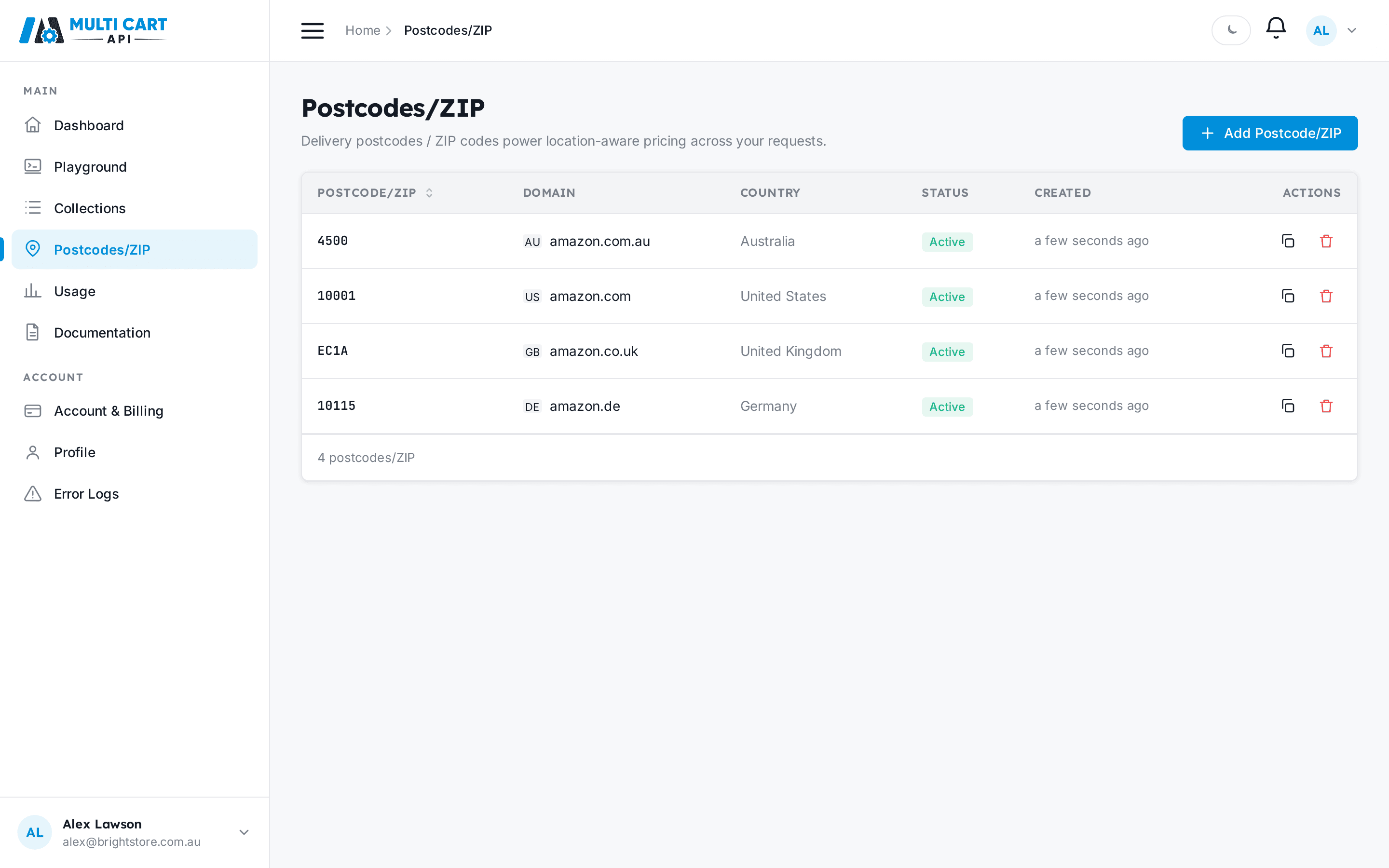
Postcode formats by region
Different marketplaces expect different location formats:
| Marketplace | Format | Example |
|---|---|---|
| amazon.com.au | 4-digit postcode | 2000 |
| amazon.com | 5-digit ZIP | 10001 |
| amazon.co.uk | Outcode | EC1A |
| amazon.de | 5-digit PLZ | 10115 |
| amazon.co.jp | 7-digit (with hyphen) | 100-0001 |
| amazon.ae | City name | Dubai |
Via the API
Create a postcode
POSTAPI Key or Session Token
https://multicartapi.com/api/v1/zipcodes/create-zipcode/| Parameter | Type | Required | Description |
|---|---|---|---|
domain | integer | Required | Domain id. Get it from POST /settings/domains/. |
zipcode | string | Required | The postcode / ZIP / city for the chosen domain. |
curl https://multicartapi.com/api/v1/zipcodes/create-zipcode/ \
  -X POST \
  -H "x-api-key: YOUR_API_KEY" \
  -H "Content-Type: application/json" \
  -d '{ "domain": 1, "zipcode": "2000" }'
Response
{
"code": 200,
"data": { "id": 42, "domain": 1, "zipcode": "2000", "status": "in-progress" },
"status": 1
}